Home · Store setup
On-site · Dayton metro

We come out, set the room up,
and keep it running.

A card at every table, counter and station — each with its own ID, each logged to a database. Your Google Business Profile put in order while we are in there. Then a page back to you every month.

On-site store setup
$???one-time · then $??/mo

For restaurants and shops. We drive out, set the room up table to table, put your Google Business Profile in order, and keep both running.

In the room, once
  • On-site visitWe walk the room with the people who work it and pick the spots together.
  • Table to tableA card at every table, counter and station — each one its own ID.
  • Connected to a databaseEvery tap logged against the card that made it, from day one.
  • Your team gets the lineOne sentence that turns a happy customer into a tap. We test it with them.
Google Business Profile, put right
  • Claimed and verifiedTaken through Google’s verification. If someone else holds it, we get it back.
  • Categories done properlyOne primary, the right secondaries. The single biggest lever, and the one most owners get wrong.
  • Hours, services and attributesRegular and holiday hours, your service list, and the attributes that show as badges in search.
  • Photos uploaded in a batchExterior, interior, team, food or product — named and sized properly, not five blurry phone shots.
  • Description, products and Q&AWritten for people, not stuffed with keywords. The obvious questions answered before anyone asks.
  • Duplicates clearedOld and duplicate listings found, merged or removed, so they stop splitting your reviews.
Every month
  • Every review answeredWithin 48 hours, in your voice. You approve before anything posts.
  • Profile kept freshA new Google Post each month, photos topped up, hours checked before every holiday.
  • A one-page reportTaps by location, new reviews, star breakdown, rating change, what to move next.
  • Cards kept workingDead card flagged, lost or damaged ones replaced free for 12 months.
Coming
  • Live dashboardIn buildCheck taps by card whenever you want, not just at month end.
Get a quote
Prices not set yet — the yellow marks are deliberate.
How it works
01

We program every card

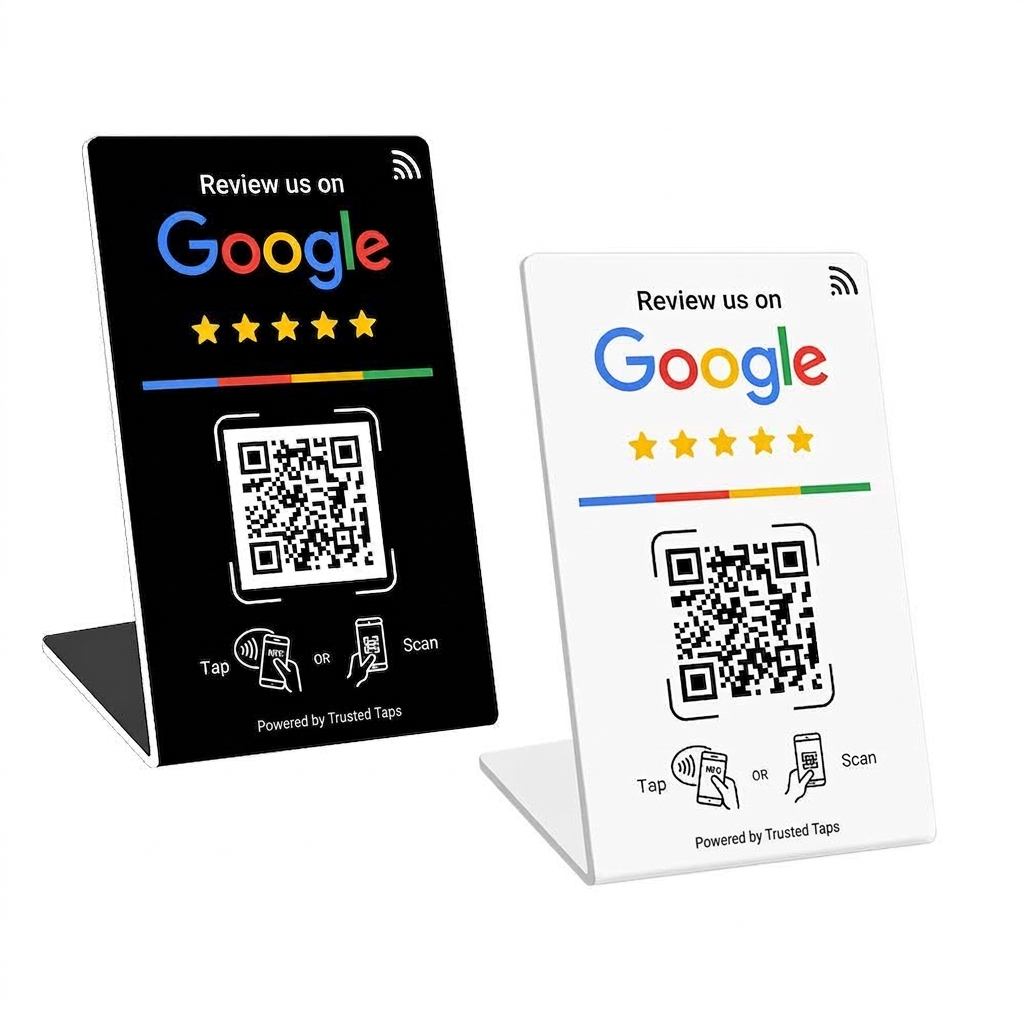
Black and white Trusted Taps stands

Programmed and checked

Each card is written to your Google review link, then tapped on an iPhone and an Android before it leaves the desk. A card that doesn't work is worse than no card.
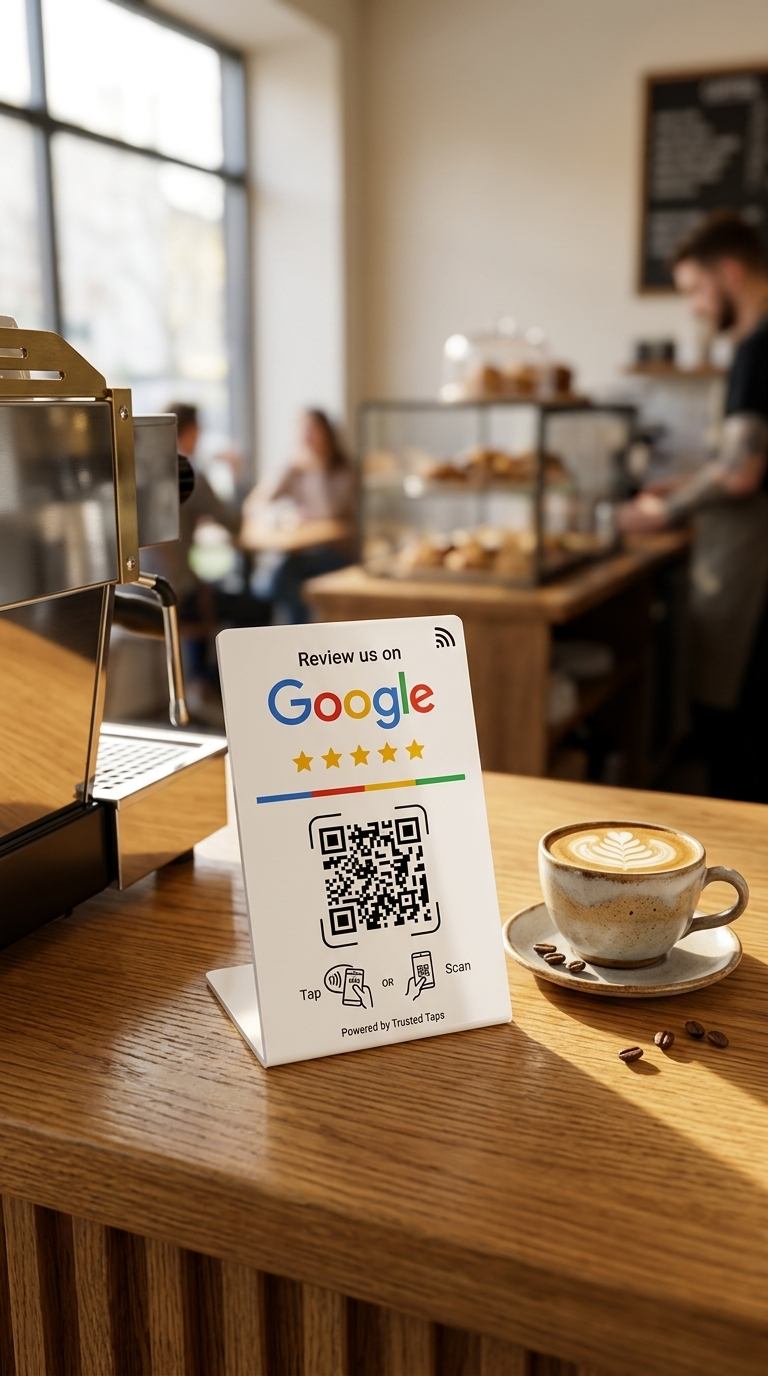
Stand placed on a café counter

Placed, not posted

We pick the spot with the people who actually work the counter — where customers already pause, not where a warehouse guessed.
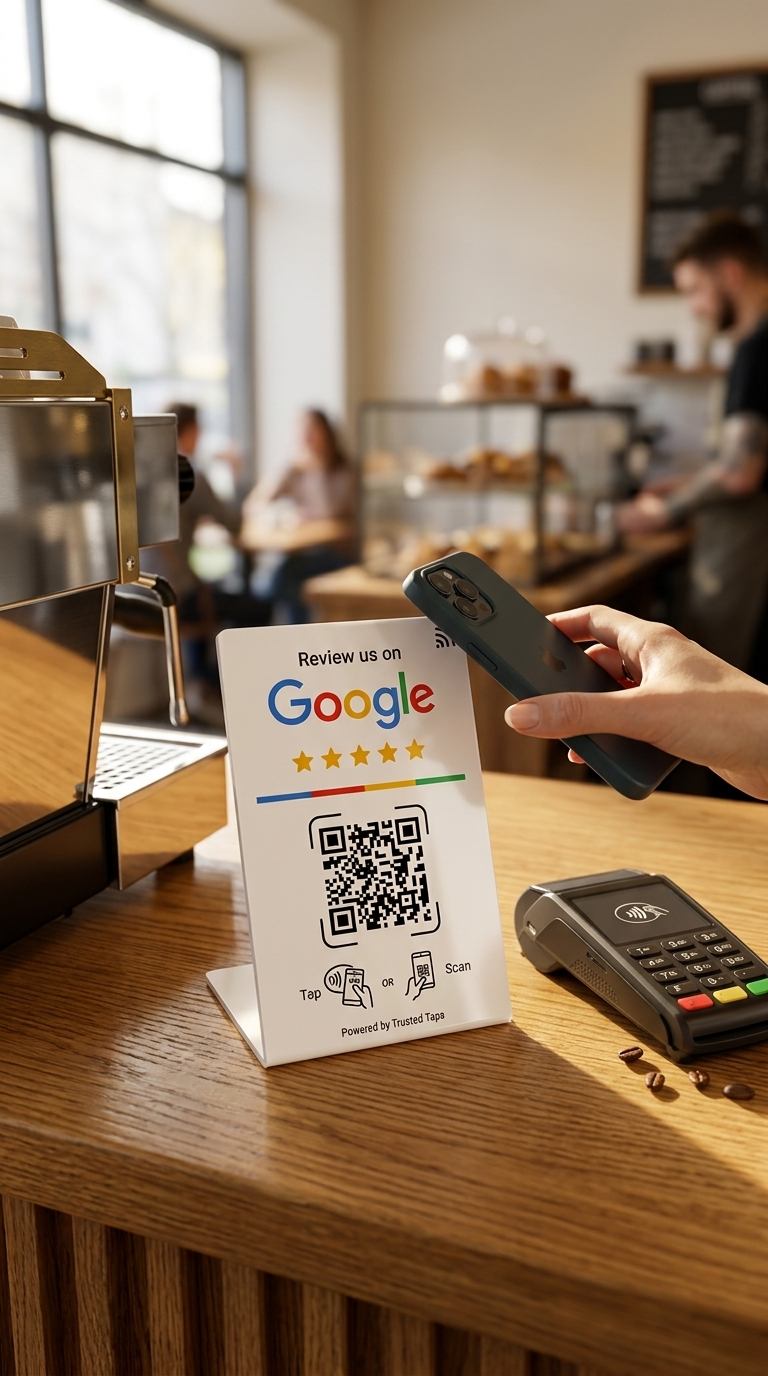
Customer tapping their phone on the stand

One sentence that works

The card does nothing if nobody points at it. We give your team the line that turns a happy customer into a tap, and test it with them.
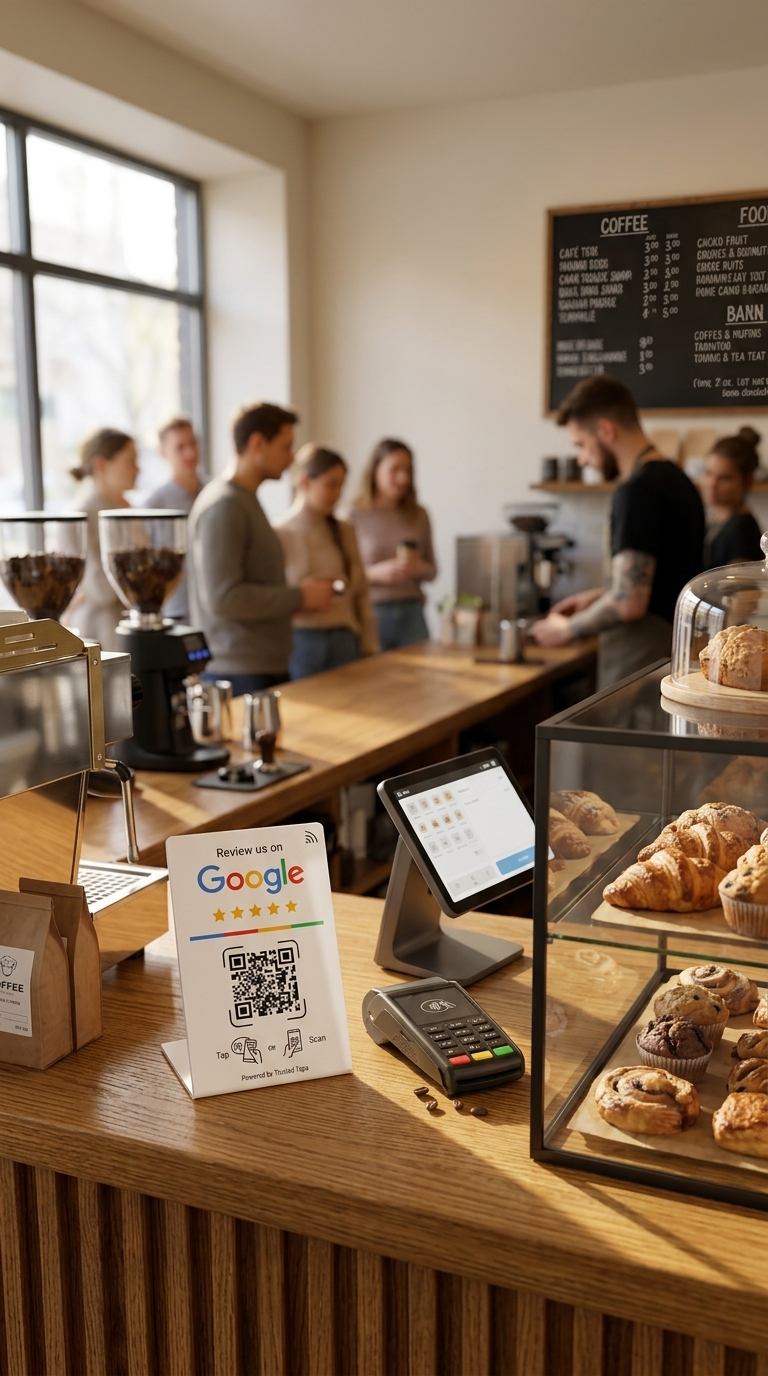
The stand in place during service

A card in a drawer earns nothing

If one stops getting taps we notice, and we come back. Replacements when one walks off — and one always does.

Send your Google link

We'll check it points where it should, quote the cards, and book a time. No card details, no subscription.